 Krad ADE

Alpha
Many coding agents.One native workspace.
An agentic development environment for people who run more than one coding agent at a time.
Claude Code · opencode · Codex · any Gateway
Split the landing into replica, scene and sections
Starting two Workers, each in a worktree of its own: Replica on Codex and Sections on opencode. The scene stays in this session.
src/components/replica
src/components/sections
src/app/page.tsx allowedBoth Workers are done. The replica lives in src/components/replica, the sections in src/components/sections, and src/app/page.tsx renders them in order.
Ask anything... @ for files, / for skills
Four ways in.One picker.
A new session opens on a chat. Claude Code, opencode v2 and Codex each sit behind their own tab; picking a model before the first message decides which harness runs it.
- Claude CodeIts stream-json becomes a native chat, with no terminal in between.
claude on PATH - opencode v2Its server events drive the same chat. 1.x is not supported.
opencode on PATH - CodexIts app-server notifications drive the same chat.
codex on PATH, codex login - Your own GatewayA server such as CLIProxyAPI offers your accounts' models behind one Anthropic- and OpenAI-compatible address; the app's own agent chats through it.
Settings › Gateway
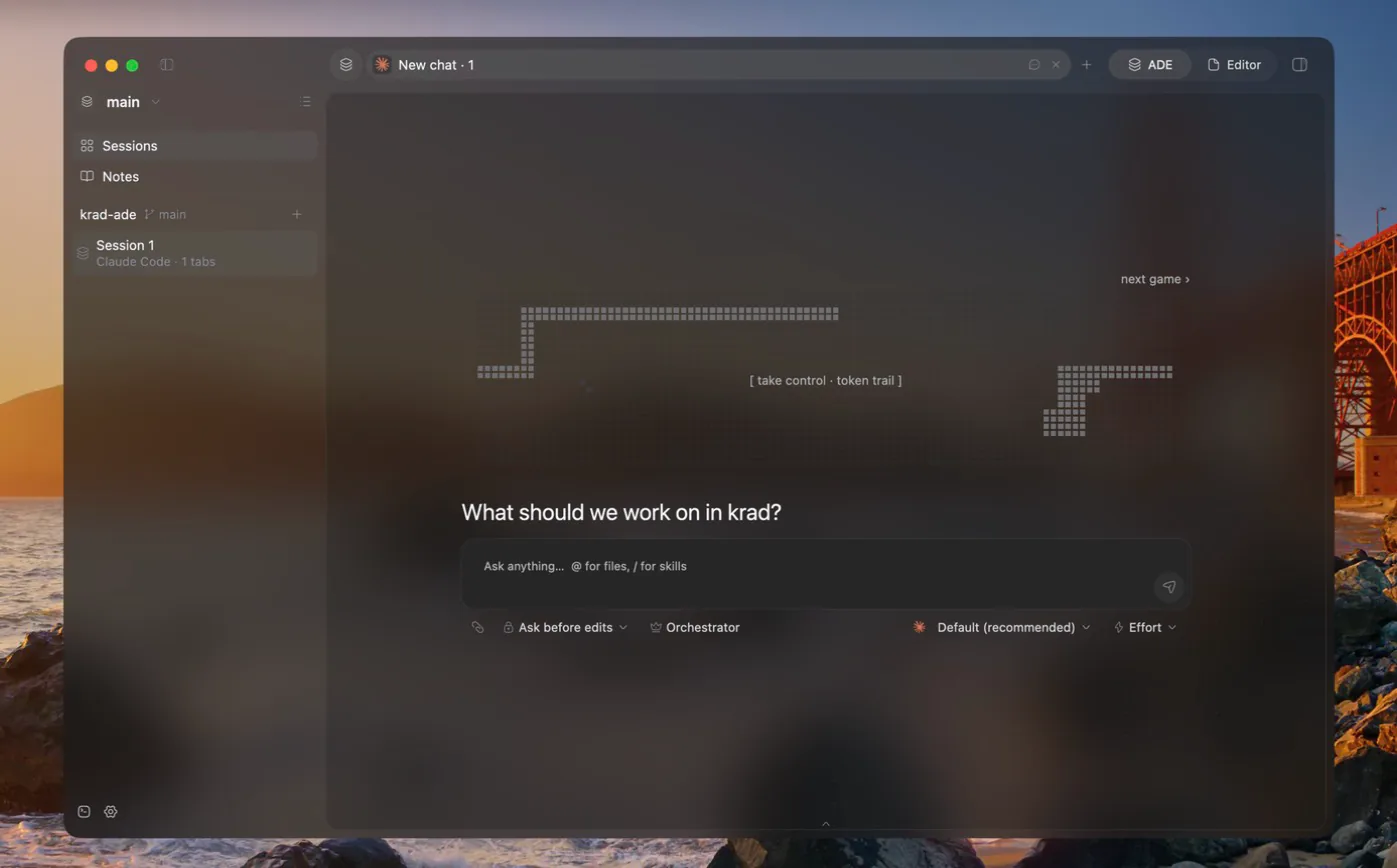
Chat first
- @ mentions files and images
- / calls skills
- Permission requests answered in place
- Messages queue while the agent works
- Rewind to any of your messages
- Terminal view, and back
One chat leads.Workers follow.
- 01
One switch in the composer. It turns a chat into the session's lead, and the lead splits the work.
- 02
Workers in sessions of their own. The lead starts each worker as its own session, listed beside it.
- 03
A live card for each. The lead follows every worker from a card in its chat and reads the work when it finishes.
- 04
Live agent state. Hooks report whether each agent is working, waiting for you or done, and the sidebar shows it next to each session.
An editorwhen you want one.
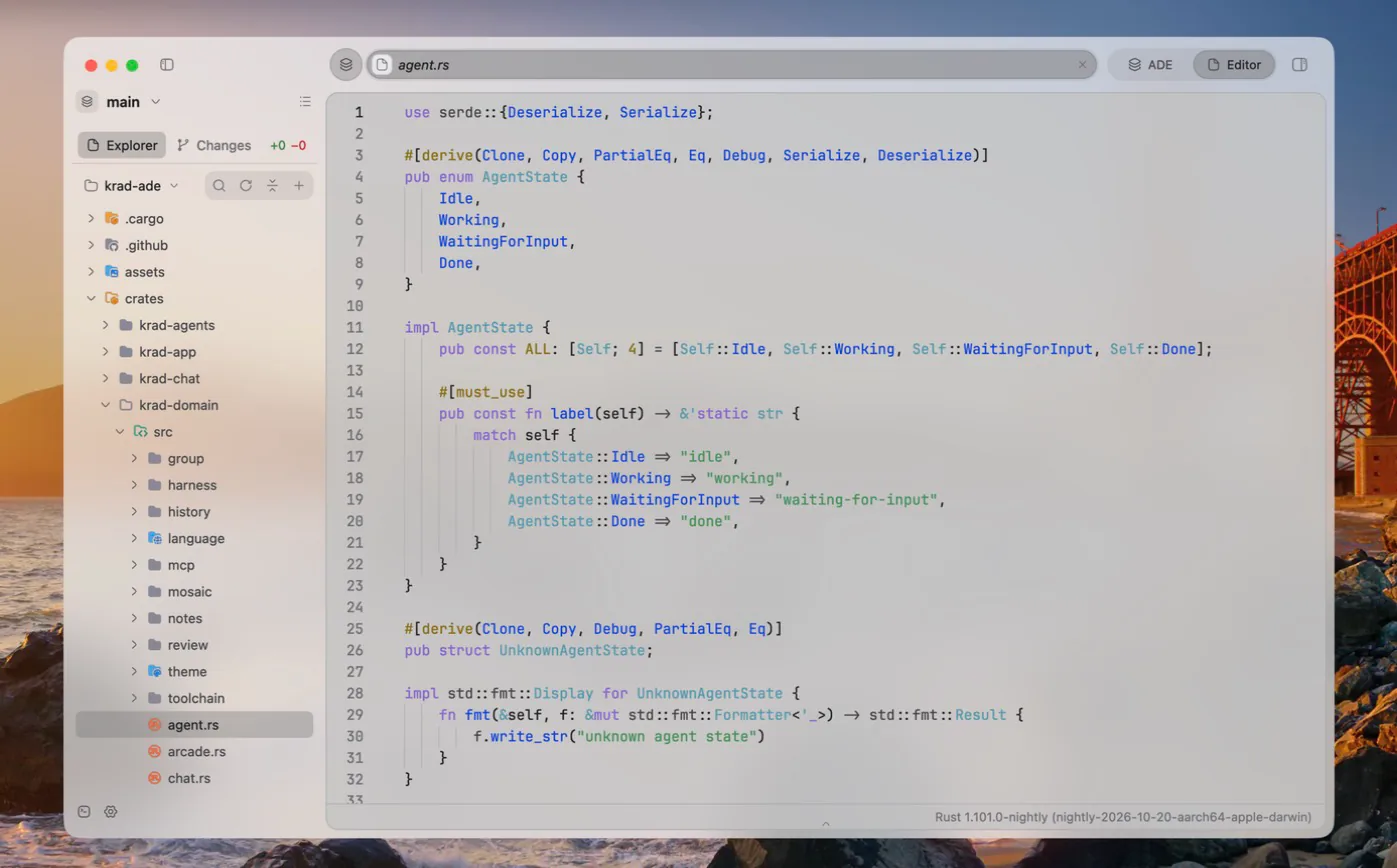
One switch moves open files into the work area, the agent's chat into the side panel and the terminals into the utilities panel. Nothing closes on the way.
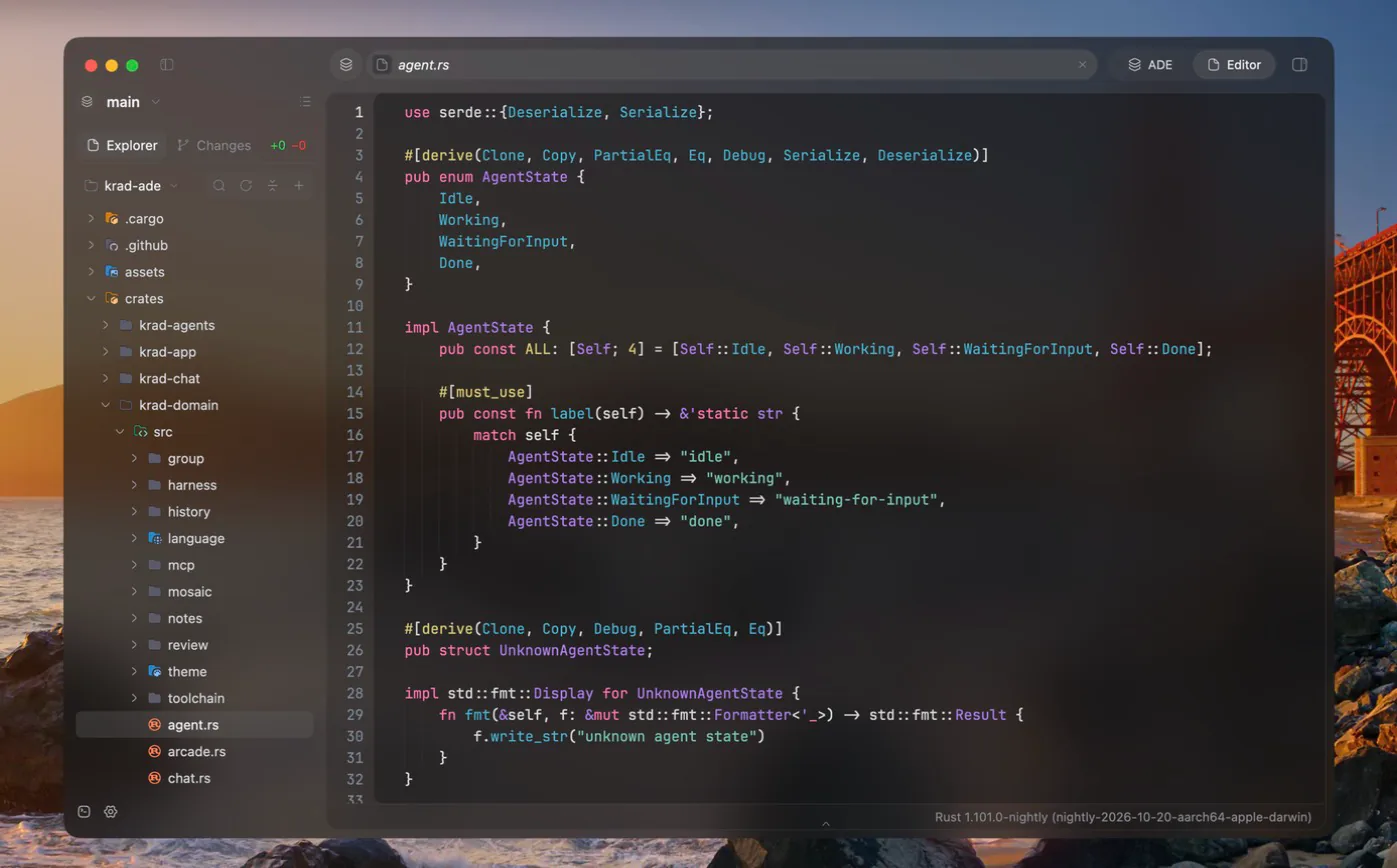
- Language serversLSP
- Diagnostics with problem lenses, completion, hover, go to definition, references, rename, formatting and quick fixes. Each server installs from Mason's registry after asking, the first time a file of its language opens, and runs with the toolchain you pick per project folder: a virtual environment, a Node.js version, a JDK.
- ExtensionsManifests
- Languages, toolchains and server runtimes as plain manifests, added from a git address or a local folder.
- Explorer and changesGit
- The file tree and the group's git changes, with staging, history, stashes and a branch switcher. A minimap and quick open for large files.
Your repositorybeside the agents.
Notes, reviews and the repository's changes stay one click away, on this computer or on a machine you reach over SSH.
- 01
Groups and worktrees
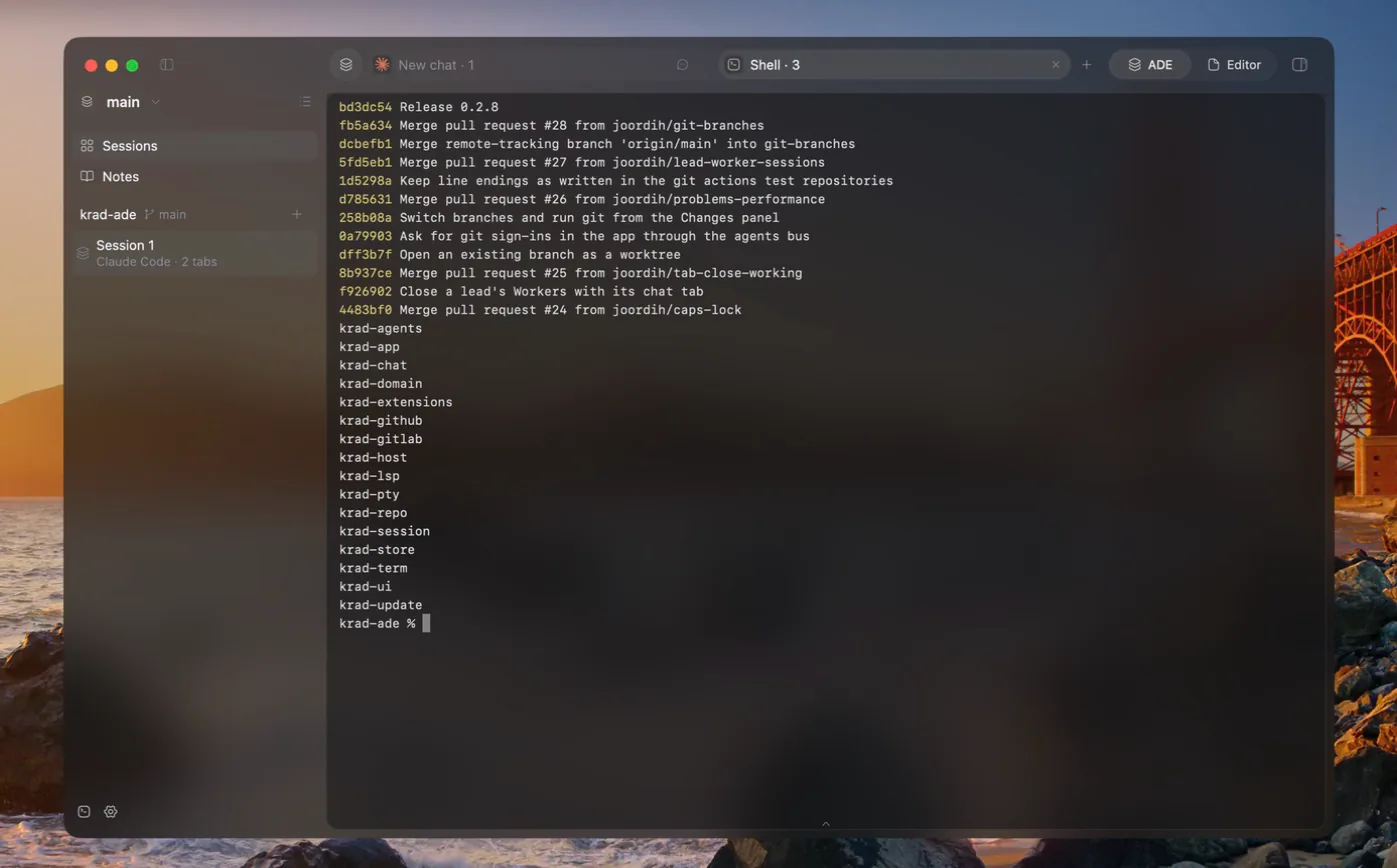
A group binds sessions to a folder of the repository. Start a git worktree for an agent that should not step on the others.
- 02
Remote hosts
An environment can live on a machine reached over SSH. Its folders, terminals, chats, agents and language servers all run there.
- 03
Review
Merge requests from GitLab and pull requests from GitHub, with commits, changes, discussions, approvals and pipelines.
- 04
Utilities panel
An activity log and system terminals along the foot of the window. Any tab can be dropped on it.
A vault ofMarkdown notes,inside the repo.
Written in
- Folders
- Attachments
- Links
- Backlinks
- Tags
- Graph
- LaTeX
- Mermaid
- Callouts
Agent-generated docs. An agent can generate documentation into the vault from the folders you pick.
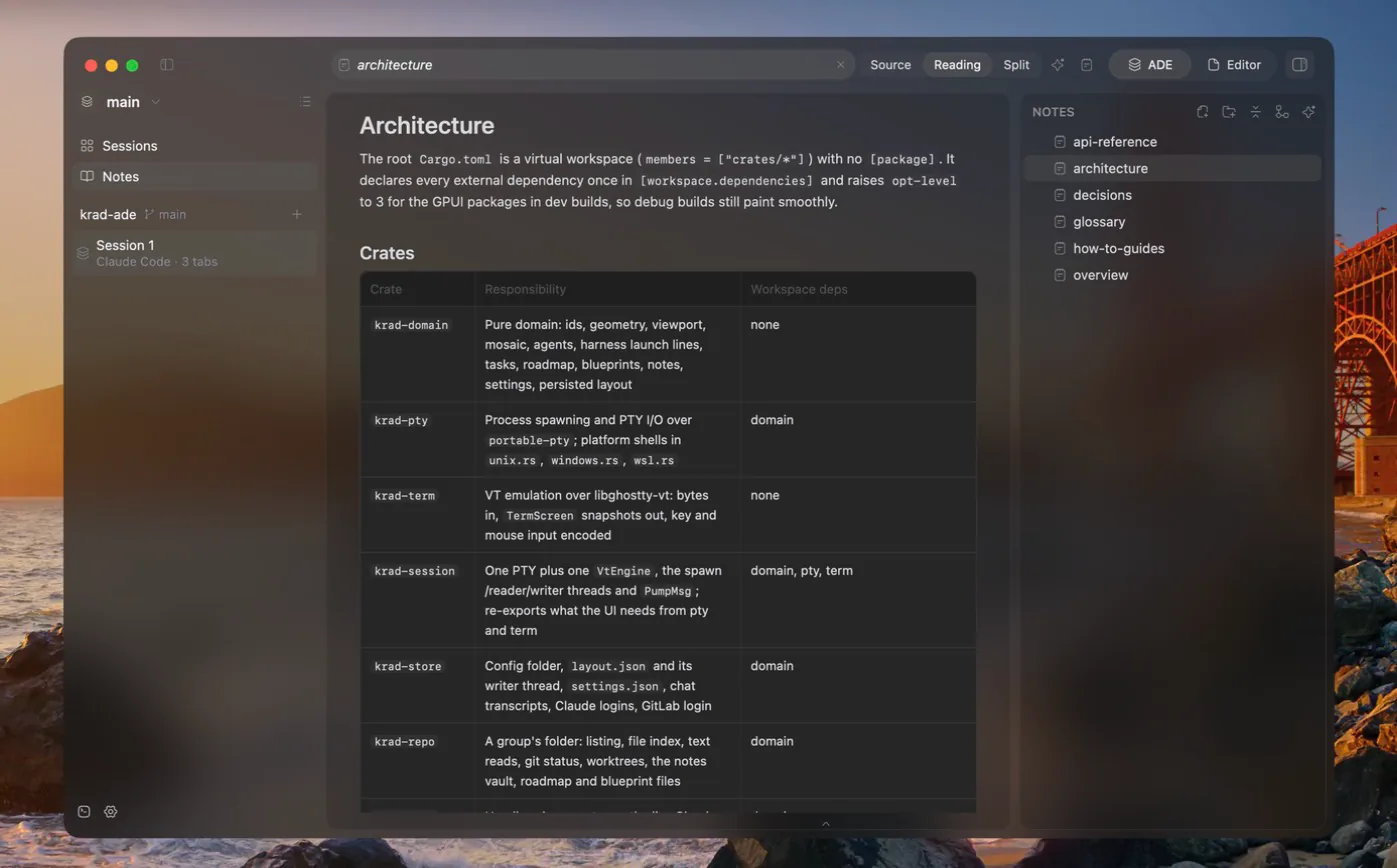
Made to belived in.
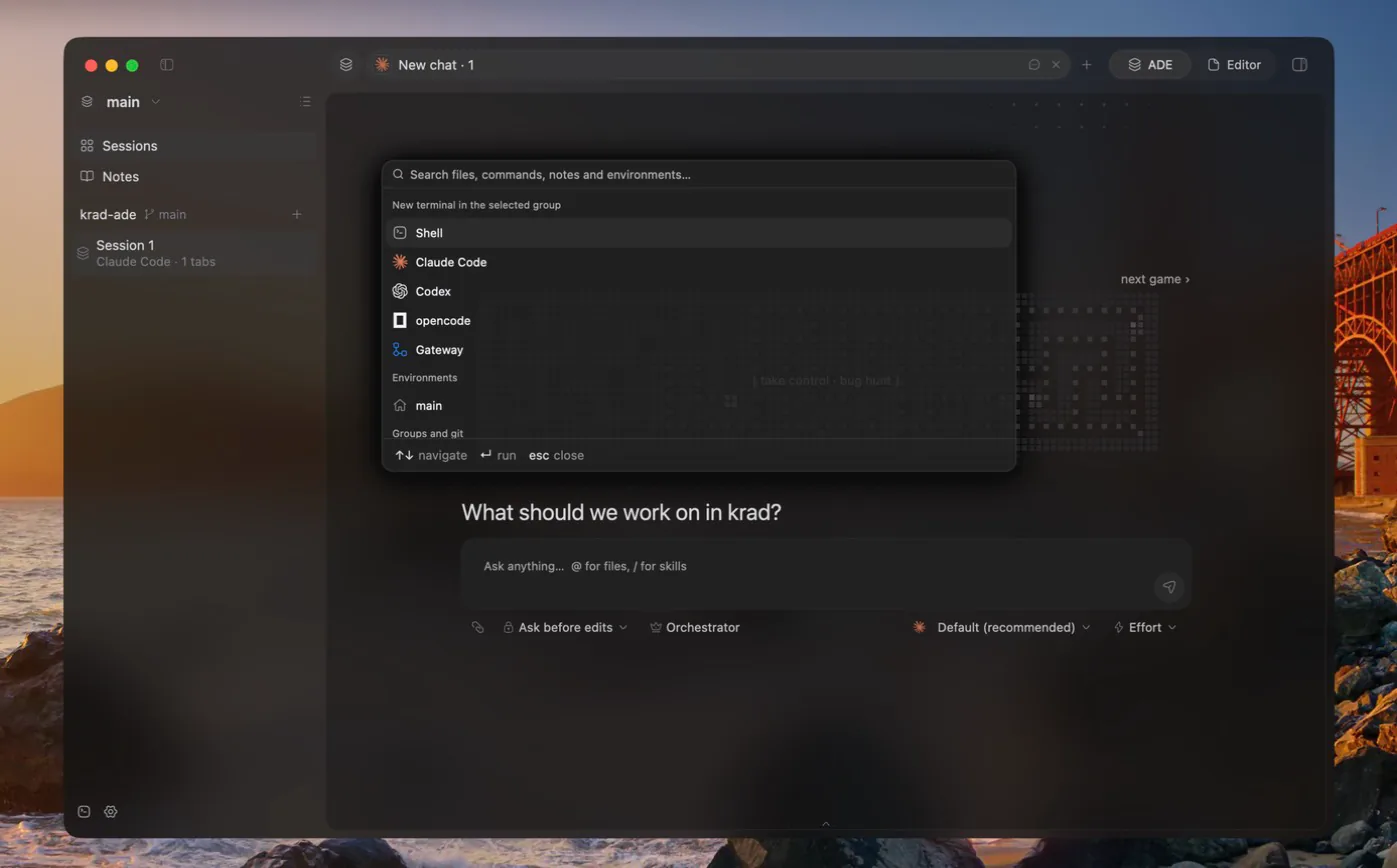
Command palette
Files, commands, environments, notes and the lines inside them, from the keyboard.
Themes
One theme for light and one for dark, from the app's own and well-known editor themes, covering the interface, the terminals and the code at once.
Translucent window
Opaque, blurred or Liquid Glass on macOS, Mica on Windows, with a tint colour and opacity you pick.
Sessions of your own
Give each session a colour and an icon from its right-click menu.
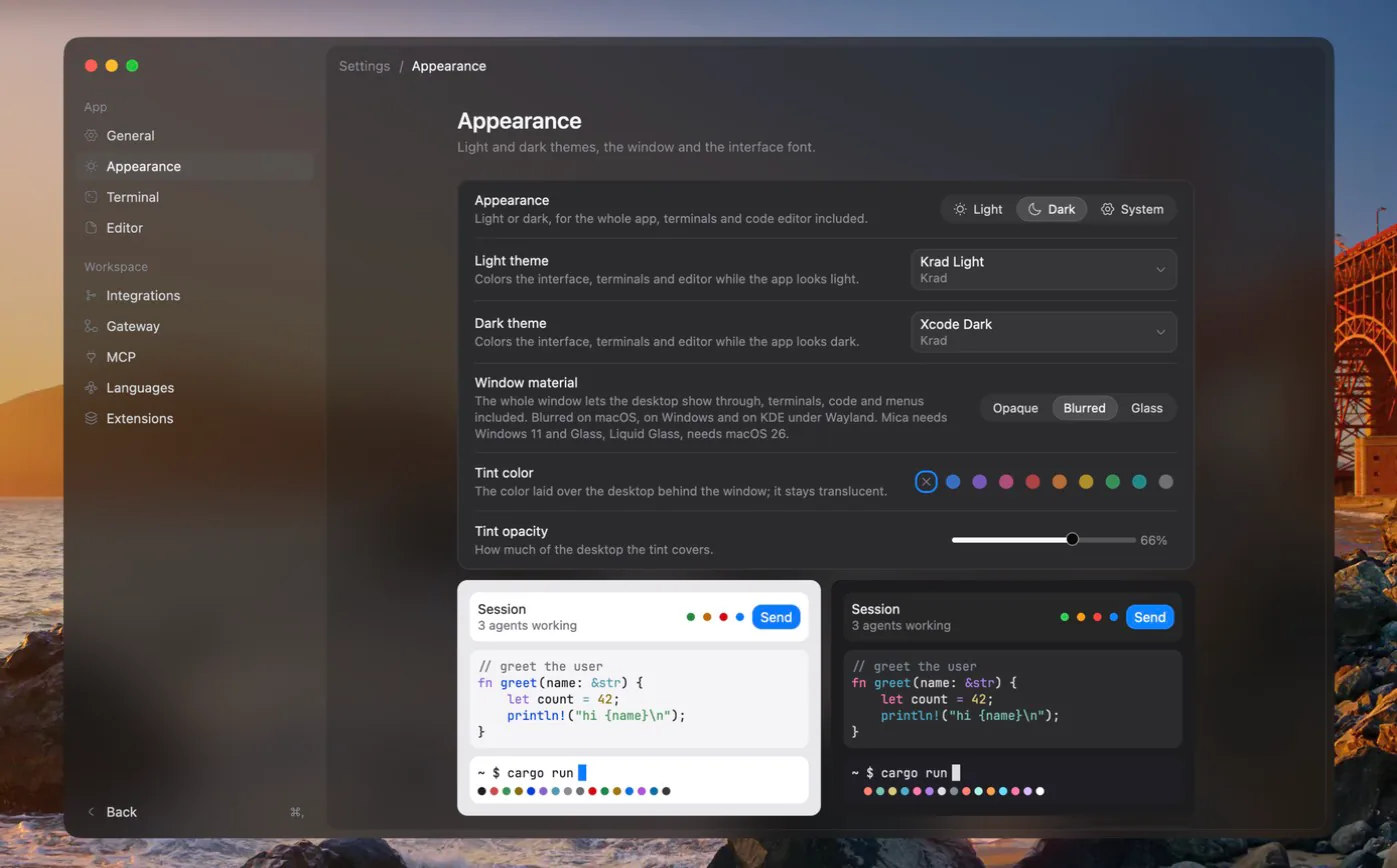
Updates in place. Release builds find, verify and install new versions themselves.
An arcade of small games on every empty chat, until the conversation starts.
Rust on GPUI.No Electron.
A native app for macOS, Windows and Linux.
- GPUI
- The interface, written in Rust
- libghostty-vt
- Real terminal emulation
- ConPTY
- Terminals on Windows
- WSL
- Supported
- 01
Chats without a terminal
A chat drives its harness directly. Claude Code's stream-json, opencode's server events, Codex's app-server notifications and the Gateway agent's own loop become the same chat events.
- 02
Terminals that paint what is on screen
A terminal is a PTY paired with an emulator. A dedicated thread pumps its output through a bounded channel, the emulator turns bytes into snapshots and the UI paints only what is visible.
- 03
One host link
Files, commands and language servers go through a host link, so the same code works on this computer and over SSH.
- 04
A loopback bus
Agents report their state through their vendor's hooks and reach each other, and the lead, through a token-protected loopback endpoint.
The workspace, split by responsibility
- krad-domain
- Ids, environments, hosts, groups, sessions, panes, agents, notes, settings, layout
- krad-pty
- Process spawning and PTY I/O
- krad-term
- Bytes in, renderable snapshots out
- krad-session
- One PTY plus one terminal
- krad-store
- Files on disk and the system keyring
- krad-repo
- Listing, file index, git status, worktrees, notes vault
- krad-chat
- Harness chats and the Gateway agent with its MCP client
- krad-host
- This computer or an SSH host: SFTP, commands, terminals, port forwards
- krad-lsp
- Language server client over stdio
- krad-extensions
- Language, toolchain and runtime manifests, package registry
- krad-update
- Signed manifests, verified downloads, in-place installs
- krad-agents
- The agents bus, its protocol and the CLI
- krad-gitlab
- GitLab REST API v4 and OAuth
- krad-github
- GitHub REST and GraphQL APIs, device sign-in
- krad-ui
- Every view, element, action, keymap and theme
- krad-app
- The krad-ade and krad-ade-agents binaries
Shortcuts that leavethe shell alone.
Windows and Linux use Ctrl+Shift so shells keep their control keys. macOS uses Cmd.
| Action | Keys |
|---|---|
| Command palette | CmdK |
| New chat tab | CmdT |
| New agent | CmdAltN |
| New shell beside the focused tab | CmdD |
| ADE and Editor mode | CmdAltE |
| Quick open | CmdShiftO |
| Find in files | CmdShiftF |
| Go to definition | CmdB |
| Side panel | CmdAltB |
| Utilities panel | CmdShiftE |
| Settings | Cmd, |
Download,or build it.
Every release has one download per platform. Installed builds update themselves from later releases, whose manifest is signed with minisign.
- macOSDMG for Apple Siliconkrad-ade-0.3.1-aarch64-macos.dmg · 40 MB
- WindowsInstallerkrad-ade-0.3.1-setup.exe · 36 MB
- Linuxtar.gz for x86-64krad-ade-0.3.1-x86_64-linux.tar.gz · 48 MB
At least one harness, signed in
- Claude Codeclaude on PATH
- opencode v2opencode on PATH; 1.x is not supported
- Codexcodex on PATH, codex login
- or a Gatewaysuch as CLIProxyAPI, set in Settings › Gateway
To build from source
- Rust
- The nightly pinned in rust-toolchain.toml; rustup installs it on the first build.
- Linux
- The usual GPUI dependencies: Vulkan drivers, libxkbcommon, Wayland or X11 development headers.
- Windows
- The x86_64-pc-windows-gnu toolchain with a MinGW GCC on PATH.
- git
- On PATH, for groups, worktrees and the file tree.
Build and run
git clone https://github.com/joordih/krad-ade.gitcd krad-adecargo run --release -p krad-app --bin krad-adeThe release build places krad-ade-agents next to krad-ade, and the app puts its own folder on the PATH of every terminal it opens; that is how agents find the bus CLI.
Contributing
just format-check # rustfmt with the pinned nightlyjust lint # clippy, pedantic, no unwrap / expect / paniccargo test --workspaceIssues and pull requests are welcome.