

User guide
Keyboard
Every shortcut of the app on macOS and on Windows and Linux.
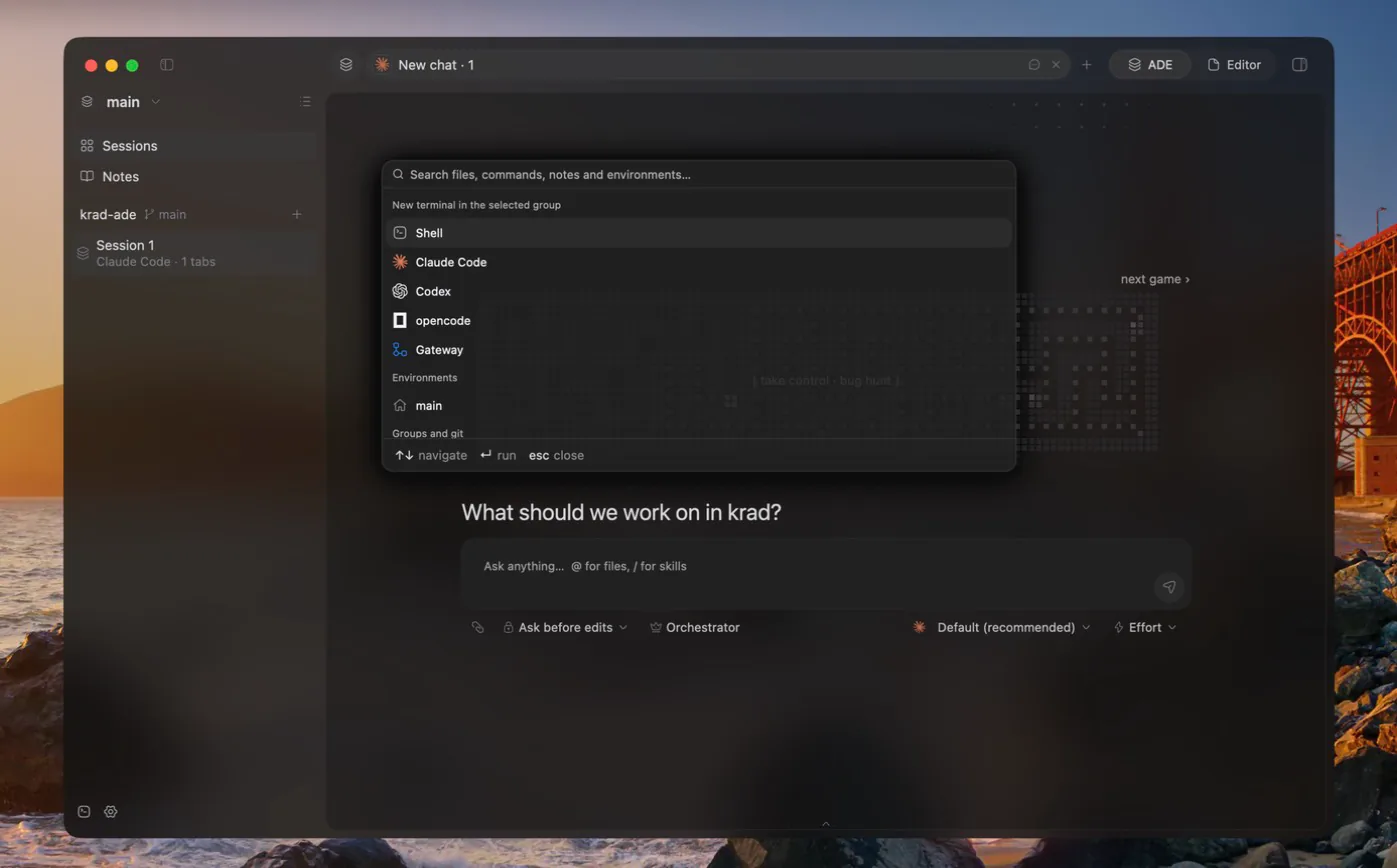
Windows and Linux use Ctrl+Shift so shells keep their control keys; macOS uses Cmd. The command palette runs files, commands, environments, notes and the lines inside them from the keyboard.
App and sessions
| Action | Keys |
|---|---|
| Command palette | Cmd+K |
| New chat tab | Cmd+T |
| New agent | Cmd+Alt+N |
| New shell beside the focused tab | Cmd+D |
| Show tab 1 to 9 | Cmd+1 to Cmd+9 |
| Close tab | Cmd+W |
| Close all tabs | Cmd+Shift+W |
| ADE and Editor mode | Cmd+Alt+E |
| Sidebar | Cmd+Ctrl+S |
| Side panel | Cmd+Alt+B |
| Utilities panel | Cmd+Shift+E |
| Settings | Cmd+, |
| Text larger, smaller, reset | Cmd+Alt+=, Cmd+Alt+-, Cmd+Alt+0 |
| Hide, hide others, minimize, quit | Cmd+H, Cmd+Alt+H, Cmd+M, Cmd+Q |
Terminals
| Action | Keys |
|---|---|
| Copy | Cmd+C |
| Paste | Cmd+V |
| Search the terminal | Cmd+F |
Files and the editor
| Action | Keys |
|---|---|
| Quick open | Cmd+Shift+O |
| Find in files | Cmd+Shift+F |
| Save | Cmd+S |
| Back, forward | Ctrl+-, Ctrl+Shift+- |
| Go to definition | Cmd+B |
| Find references | Alt+F7 |
| Rename symbol | Shift+F6 |
| Code actions | Alt+Enter |
| Show completions, accept | Ctrl+Space, Tab |
| Next, previous problem | F2, Shift+F2 |
| Reformat | Cmd+Alt+L |
| Replace | Cmd+R |
| Duplicate line | Cmd+D |
| Delete line | Cmd+Backspace |
| Move line up, down | Alt+Shift+Up, Alt+Shift+Down |
| Toggle line comment | Cmd+/ |
| Redo | Cmd+Shift+Z |
File tree
| Action | Keys |
|---|---|
| Rename the selected file | F2 |
| New file | Cmd+N on macOS, Ctrl+Shift+N on Windows and Linux |
Asks
When a chat waits on a permission, a question or a plan, Enter confirms and Escape denies.
Other ways to navigate
Navigation history also follows a two-finger swipe and the mouse's back and forward buttons. See Editor mode.